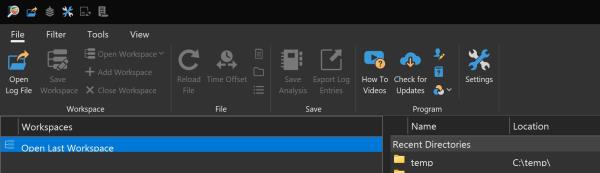
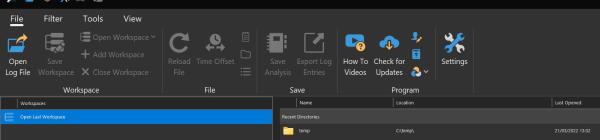
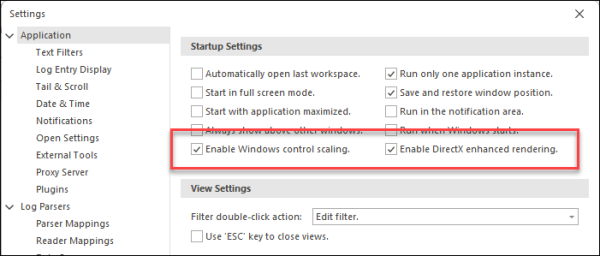
Posted on Mar 21, 2022 at 3:49 PM
I have tried to recreate at 200% scaling and the application looks good on my end:
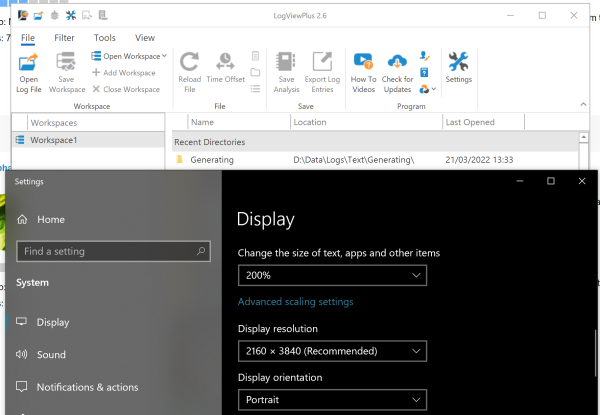
There must be something different about your local display settings, but I am not sure what it could be. I am running Windows 10. The main settings are scaling and resolution, but other settings may be impacting the output. For example, Graphics Settings -> "hardware accelerated gpu rendering".
Strange that the previous version did not have these issues. Do you remember what version you were running? Are you running multiple LogViewPlus instances, maybe the application is not being fully restarted? Were you running the same application skin before?
The display issues you are seeing are in a component provided by a 3rd party. I can upgrade the component and hope that helps, but the better approach would be to recreate the issue to make sure it gets fixed properly.
Until we are able to recreate the issue, the best I can suggest is to run the application with the -DisableScaling flag.
Toby