Posted on Jun 3, 2020 at 7:11 AM
Hi Miguel,
I just wanted to let you know that we have now released LogViewPlus v2.4.31 into BETA which you can download from
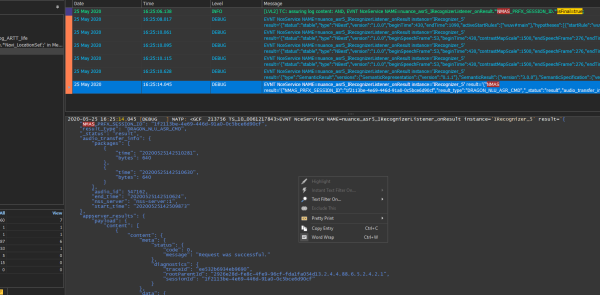
https://www.logviewplus.com/download.htmlThis version contains a new feature which I think might help with the issue above. When you right-click inside of a large message (a message with more than 1,000 characters) you should see a new context menu option - 'Open in Text Editor'.
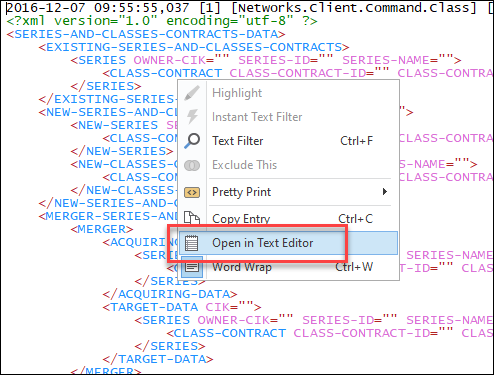
This command does two things. First, it will save the log entry to a temporary file. The extension of this file will be determined by the Pretty Print type. For example, in the screen shot above, the message is pretty printed as XML. Therefore, the file will be saved as a '.xml' file.
Once the message has been saved it will be opened in your default text editor. This is the program which you have configured in Windows to open '.txt' files.
Note that the example above is not valid XML. This feature is designed to work with text editors that can handle invalid data formats while still offering a degree of syntax highlighting.
Hope that helps. Please let me know if you have any further questions or issues.
Toby