Posted on Jan 30, 2019 at 5:34 PM
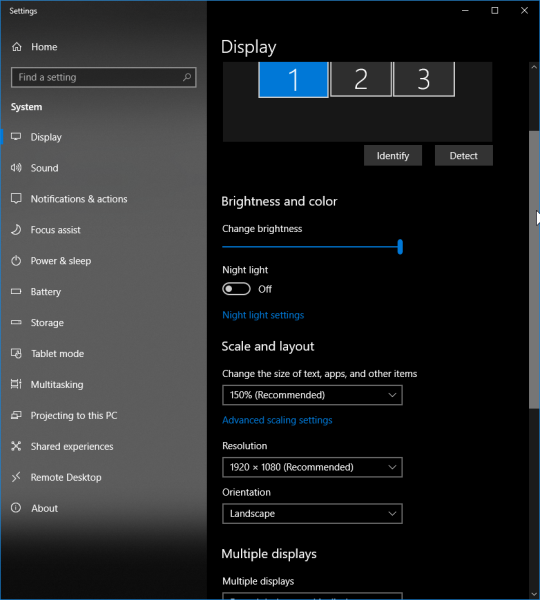
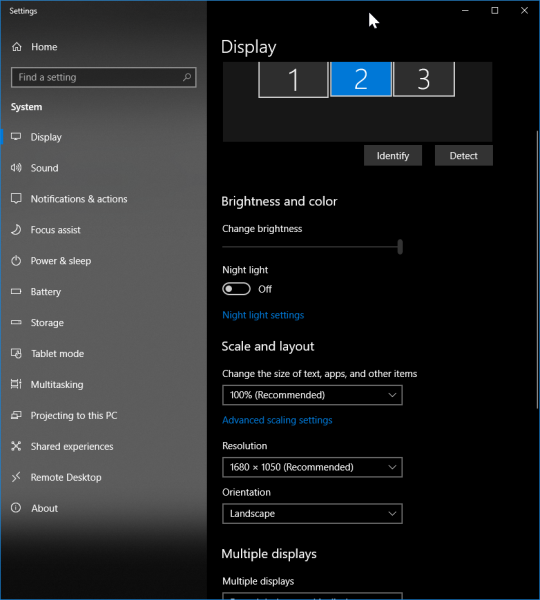
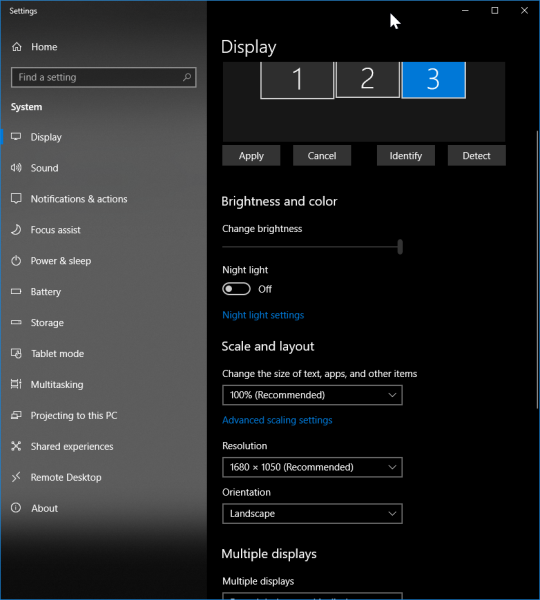
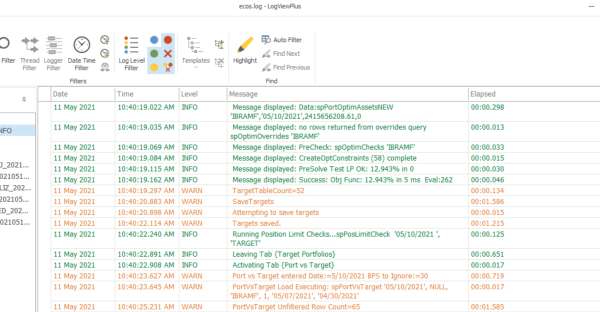
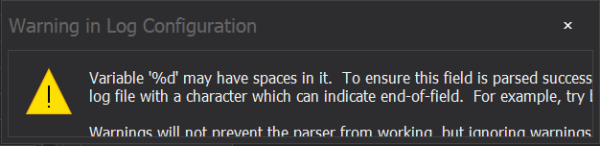
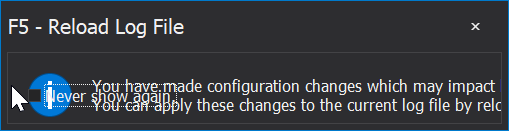
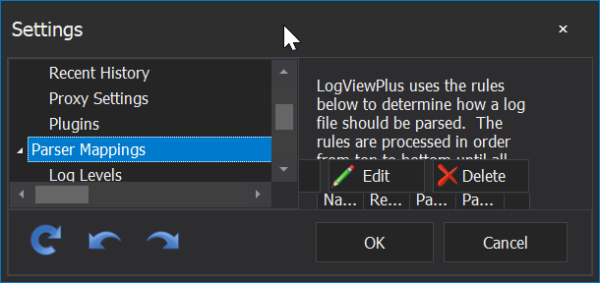
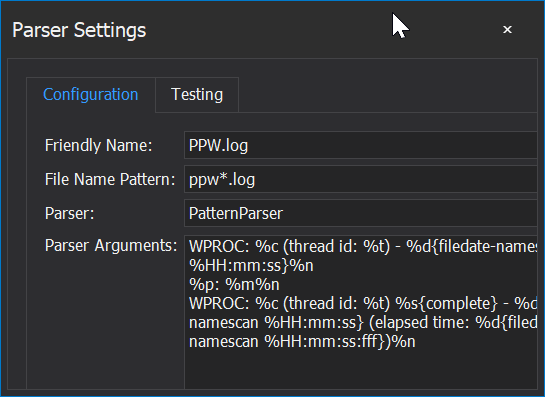
I'm a new user of LVP, working through the trial version, but planning to purchase, and found a few things that are odd about the screen sizes on certain windows. For instance, in "Settings">"Parser Settings", I had a warning pop-up box appear when testing a parser configuration, but I couldn't read the entire message, as the pop-up window is not correctly sized and doesn't allow for resizing. Most of the other pop-up windows or screens allow for resizing, which will let me resize to see any particular buttons for the window that may be available, or to see the entire text of the window. Attached are a few screenshots to illustrate.
In case it helps, I'm currently using v2.2.16 on Windows 10.0.17134 (Enterprise).
Just thought I would mention these findings to help improve the application. Outside of these issues, I'm still working to get familiar with LVP features, but I like what I'm seeing so far. Also, I must give a bit of praise on the abundance of documentation and videos. These are VERY helpful when getting to learn a new product. Thank you.
Best Regards,