Posted on Jun 3, 2022 at 6:48 AM
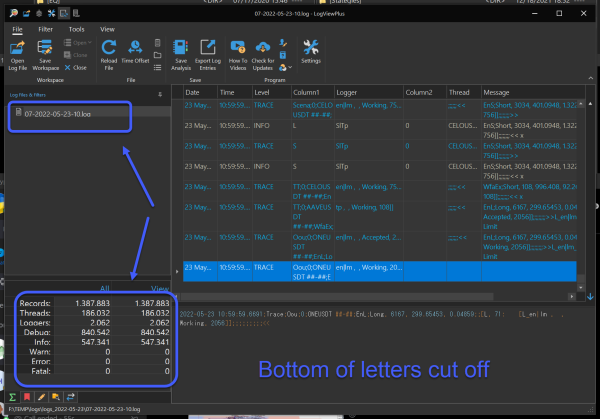
I experienced the same issue with LogViewPlus 2.6.5 and my 4K monitors.
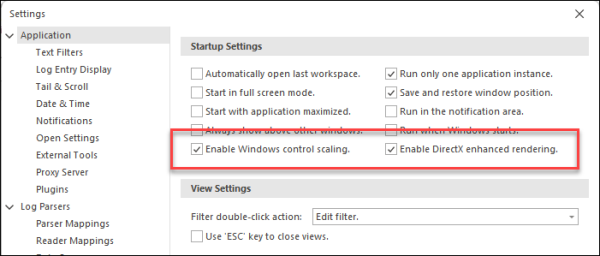
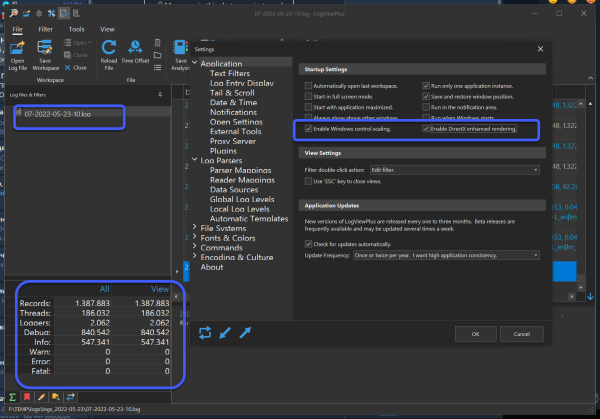
Likewise, the suggested Application > Startup Settings gave no improvement.
I was able to fix just the cut-off of log-lines by simply changing the fonts in:
Settings > Fonts & Colors >
Font Settings section; I changed the fonts to Cascadia Code 12.
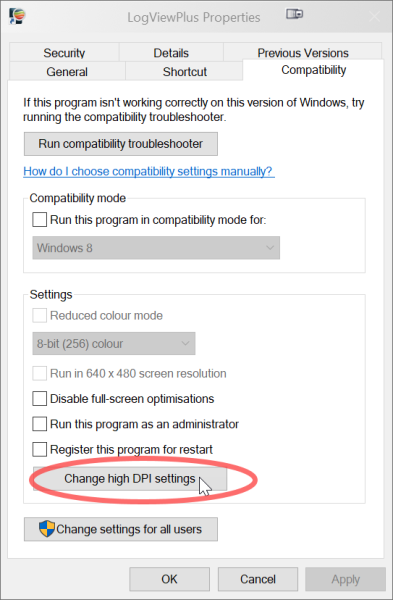
To fix everything (including the file browsers and other application controls) I did the following:
1. Created another shortcut for
LogViewPlus.exe2. Right-clicked on my new shortcut and selected
Properties3. Selected the
Compatibility tab and clicked
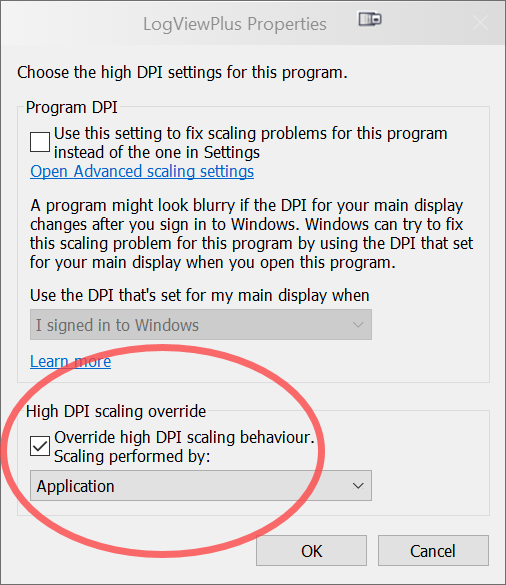
Change high DPI settings 
4. Check
Override high DPI scaling behaviour and set
Scaling performed by: to
Application

6. Start the application from the customised shortcut.