
Posted on Jan 28, 2026 at 6:47 PM
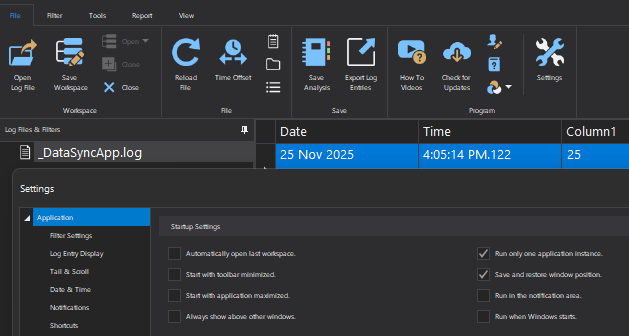
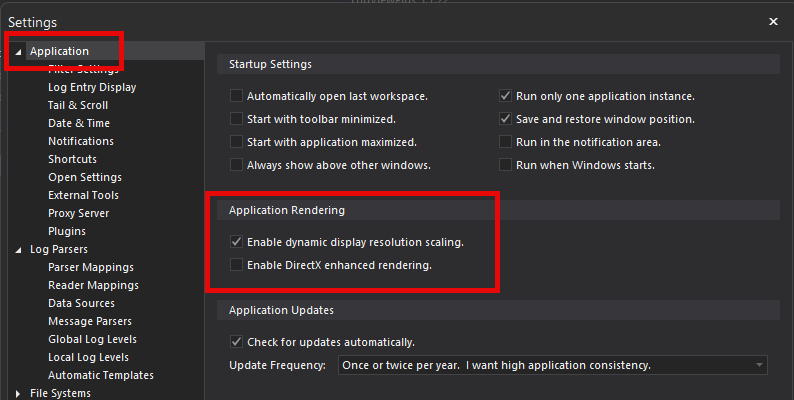
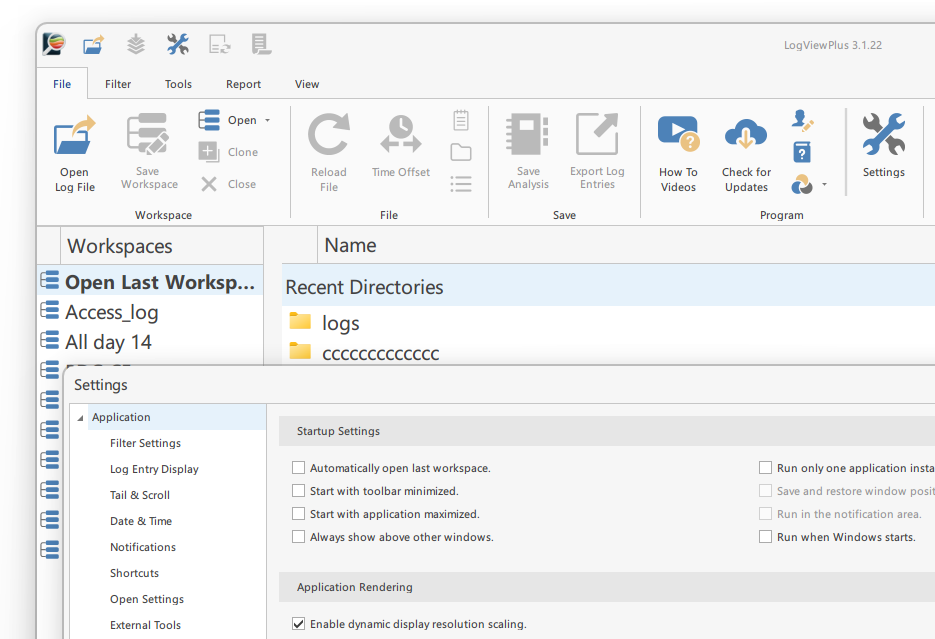
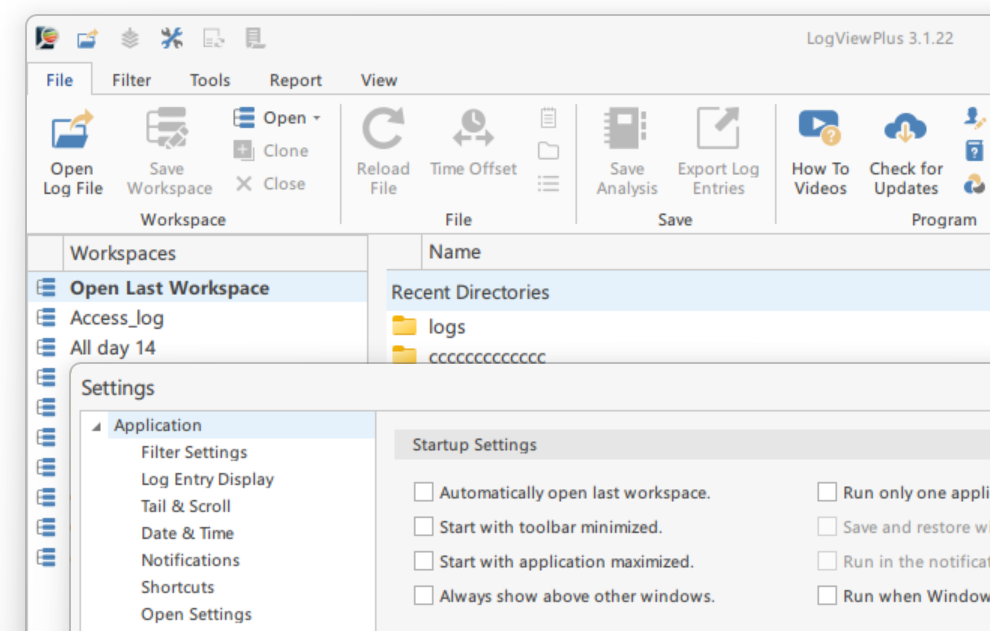
I'm having the same issue on Win 11 Pro, but no combination of Compatibility settings or LVP DirectX/Scaling settings produce desirable results.
Compatibility on/off (High DPI override) + any combo of LVP settings = mix of tiny & large fonts

Compatibility off + LVP res scaling & DirectX off = fonts all the same size, but running in blurry/low-res mode. This is the only combination of settings that changes anything.

My monitor resolution is 3840x2160, I'm using 150% scaling. I have more than 1 monitor, but all are running at the same resolution and scale.
LogViewPlus 3.1.22