Posted on Dec 29, 2020 at 6:38 PM
This change has now been implemented in the
latest BETA release - v2.5.7.
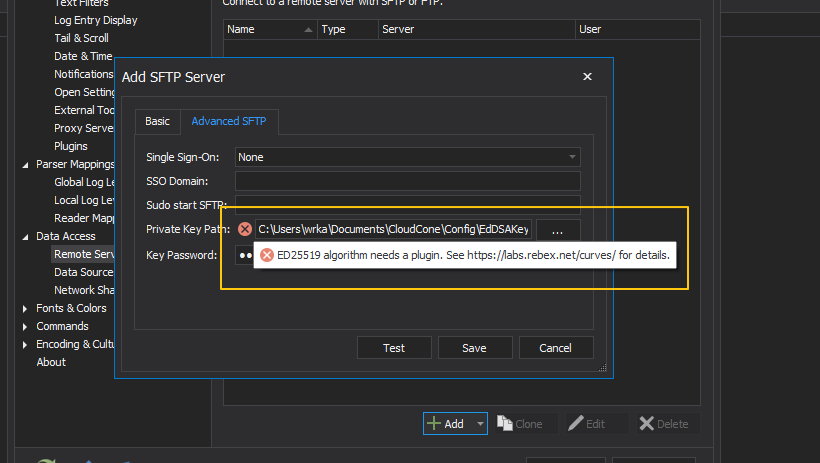
As discussed, this change has been implemented as an Add-On. To install the ECC Add-On:
1. Download the
ECC Add-On.
2. Extract the contents of the zip file to the %AppData%\LogViewPlus\Plugins\Ecc directory. After the zip file is extracted, the Plugins\Ecc directory should contain 12 files and no folders.
3.
Enable plugins and restart LogViewPlus.
The ECC Add-On does not require any additional configuration after installation.
Hope that helps,
Toby